Most delivery platforms let you set delivery planning rules once. Service time per stop, vehicle capacity, how strictly to respect time windows, when the order cutoff falls. That works for a single hub running a single kind of order. It stops working the day you open a second hub with a different product mix, or the day a Shipper with tighter windows signs on.
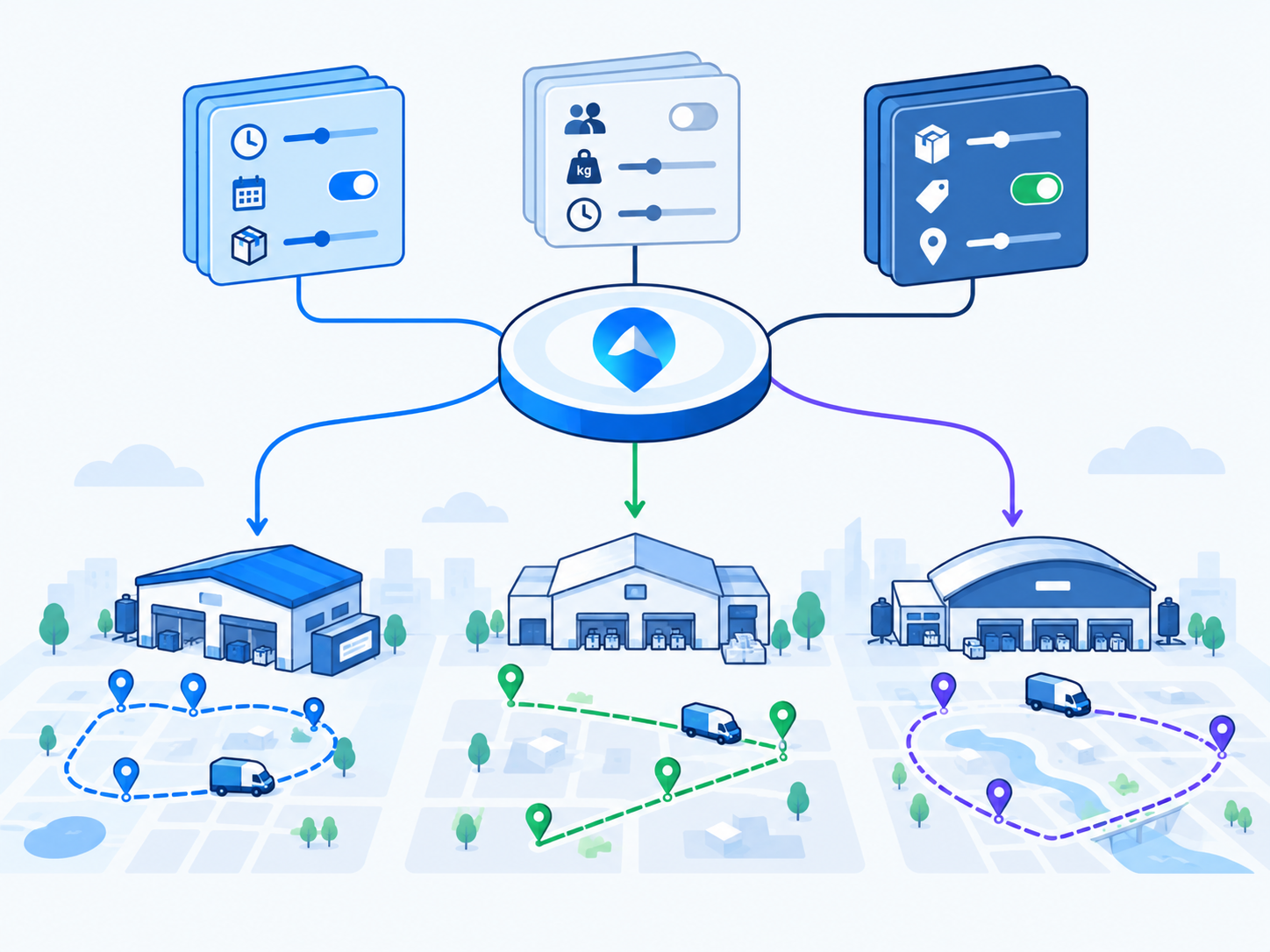
Planning Profiles, found under Settings, Planning and Automation in Geofleet, solve this by turning the rule set into a reusable object. You define a profile, attach it to the hubs, days, order types, or Shippers it should govern, and Smart Planner picks the right one when it builds routes. This post explains what a profile contains, how attachment and precedence work, how Smart Planner and Auto Allocation consume the profile, and a worked example with three profiles running side by side in one city.
Why One Global Rule Set Breaks at the Second Hub
Consider an operator running three hubs in the same metro. The grocery hub runs two-hour windows, 30 to 40 stops per van, and a 90-second service time because most drops are doorstep. The pharmacy hub runs signature-required drops with ID checks, so service time is closer to four minutes, capacity is measured in totes rather than volume, and cold-chain orders cannot sit in a vehicle for more than a fixed number of hours. The B2B hub delivers pallets to loading docks with appointment slots, eight to twelve stops per truck, and a cutoff at 4 pm the previous day.
With one global rule set, whichever hub you tune for wins and the other two lose. Set service time for pharmacy and the grocery routes come back with a third of the stops they could carry. Set it for grocery and pharmacy Captains run 40 minutes behind by lunch. Set strict time windows for B2B appointments and the grocery planner refuses to build routes on a busy Saturday because it cannot satisfy every window. The usual workaround is a dispatcher who knows the exceptions and adjusts by hand, which is exactly the manual work the platform was meant to remove.
The symptom to look for
If your dispatchers regularly edit planner output before releasing routes, or keep a spreadsheet of "special rules" for certain hubs or clients, you are running more than one planning policy with the tooling for one. That is the signal to split into profiles.
What a Planning Profile Contains
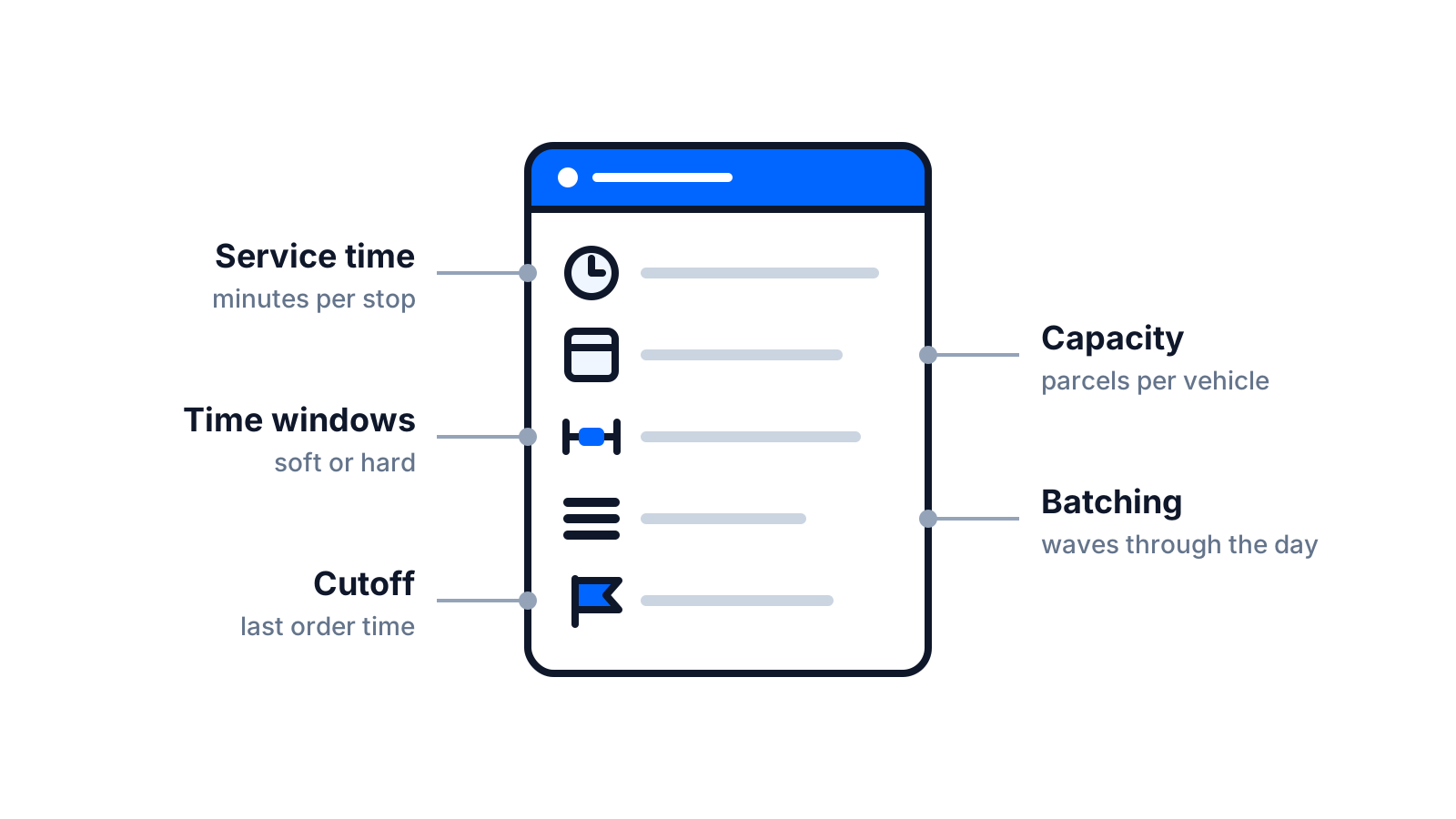
A planning profile is a named bundle of the parameters Smart Planner uses to construct and score routes. The exact fields vary with how your tenant is configured, but a profile typically defines the following. Treat the table as a description of the kinds of rules a profile carries rather than an exact form layout.
| Parameter | What it controls | Example values |
|---|---|---|
| Default service time | Minutes reserved at each stop for handover, POD, and any checks | Grocery 1.5 min, pharmacy 4 min, B2B dock 20 min |
| Capacity model | How vehicle load is counted: parcels, totes, weight, volume, or pallets | Vans 40 parcels; reefer 18 totes; truck 10 pallets |
| Max stops per route | Upper bound on stops regardless of capacity | 40, 25, or 12 |
| Max route duration | Longest shift a single route may be planned for | 6 h, 8 h, 10 h |
| Time-window strictness | Whether windows are hard constraints, soft with penalties, or advisory | Hard for B2B appointments; soft for grocery |
| Batching rules | How orders are grouped into waves or runs before routing | By zone every 2 h; by Shipper; single evening wave |
| Priority weighting | How much SLA risk, order value, or customer tier shifts sequencing | Prescription refills over retail; express over standard |
| Order cutoffs | Latest time an order enters the next plan | 11:00 for same-day; 16:00 previous day for B2B |
| Vehicle and skill requirements | Which Captain or vehicle attributes are required for orders in this profile | Cold-chain certified; two-person crew; tail lift |
| Return-to-hub rules | Whether routes end at hub, at last stop, or at Captain home | End at hub for cash reconciliation |
Service time and capacity are the two that matter most
If you only tune two parameters per profile, tune these. Service time is the multiplier on everything else: a 30-stop route with the wrong service time is off by an hour before the vehicle leaves the hub. Capacity model errors are the other silent killer. A planner that counts parcels when the real constraint is chilled totes will overload a reefer van and force a mid-route return.
Time-window strictness is a business decision, not a technical one
Hard windows protect appointment-based customers and cost you route density. Soft windows with a lateness penalty keep density high and let the planner trade a few minutes of lateness for a whole extra route saved. The right answer differs by order type, which is precisely why it belongs in a profile rather than a global toggle.
How Profiles Attach to Hubs, Days, Order Types, and Shippers
A profile does nothing until it is attached to a scope. Geofleet supports attaching profiles at several levels, and the practical value comes from combining them. The following scopes are the ones most operators use.
- Hub: the default profile for every order dispatched from that hub. This is where most operators start.
- Day of week or date: an override for Saturdays, public holidays, or a promotional weekend when volume and staffing look different.
- Order type or service level: express, scheduled, cold-chain, returns pickup, or bulky. The order type carries the profile regardless of hub.
- Shipper: a client with contractual rules, such as a pharmacy chain that requires signature and a two-hour window on every drop.
Precedence when scopes overlap
Overlaps are normal. A cold-chain order from a pharmacy Shipper on a Saturday at the north hub matches four scopes. Geofleet resolves this with a precedence order, and a sensible default is the most specific scope wins: Shipper or order-type rules override day rules, which override the hub default. For example, a profile attached to the "cold-chain" order type might set a hard four-hour vehicle dwell limit that applies no matter which hub the order leaves from, while the hub profile still supplies capacity and cutoff.
The important discipline is to keep the number of overriding scopes small. Two or three layers are readable. Six layers with conflicting values become the same undocumented tribal knowledge you were trying to eliminate.
"We used to re-plan the pharmacy runs by hand every morning because the planner did not know about ID checks. Now the pharmacy profile carries a four-minute service time and a signature requirement, and the routes come out right the first time."
— Operations lead, regional pharmacy and grocery delivery network
How Smart Planner Uses the Profile to Build Routes
Smart Planner is the route construction engine. When a planning run starts, whether on a schedule, at a cutoff, or manually, it gathers the unplanned orders in scope, resolves the profile for each order, and groups orders that share a profile into planning sets. Each set is then routed using that profile as its constraint model.
- Collect orders that have passed their cutoff and are not yet on a route.
- Resolve the effective profile per order using hub, day, order type, and Shipper attachments.
- Apply batching rules to form waves, for example a 10:00 wave and a 14:00 wave for grocery.
- Filter eligible vehicles and Captains by the profile’s vehicle and skill requirements.
- Build routes that respect capacity, max stops, max duration, and window strictness, then sequence stops using priority weighting.
- Score the plan on distance, lateness risk, and utilisation, and present it for release or auto-release.
Because the profile is resolved per order rather than per run, a mixed pool of orders at one hub can still produce correctly constrained routes for each order type. The planner does not need a human to pre-sort them. For the underlying optimisation approach, see the guide to AI route optimization for delivery linked at the end of this post.
Worked Example: Three Profiles, One City
Here is how an operator with the three hubs described earlier might set this up. The numbers are illustrative; yours will come from your own dwell-time and load data.
| Setting | Grocery (hub default) | Pharmacy (Shipper override) | B2B weekday (hub default) |
|---|---|---|---|
| Service time | 1.5 min | 4 min, signature required | 20 min per dock |
| Capacity | 40 parcels per van | 18 totes per reefer | 10 pallets per truck |
| Max stops | 40 | 25 | 12 |
| Time windows | Soft, 2 h, lateness penalty | Hard, 2 h | Hard appointment slots |
| Batching | Two waves: 10:00 and 14:00 | Single 11:00 wave | Planned 16:00 previous day |
| Priority weighting | Express first, then by window | Refills and cold-chain first | By appointment time only |
| Cutoff | 11:00 same day | 10:00 same day | 16:00 previous day |
| Vehicle requirement | Any van | Reefer, cold-chain certified Captain | Truck with tail lift |
On a normal weekday, the grocery hub default plans two waves of dense van routes. Pharmacy orders, wherever they originate, pick up the Shipper override and are routed only onto reefer vehicles with certified Captains, in hard two-hour windows. The B2B hub plans the next day at 16:00 with appointment slots as hard constraints. Add a Saturday override for the grocery hub that drops max stops to 32 and moves the second wave to 13:00, and the weekend takes care of itself.
Measure one profile change at a time
Change service time or capacity in one profile, run it for a week, and compare planned versus actual route duration for routes built under that profile. Changing several parameters at once makes it impossible to tell which one helped.
How Planning Profiles Interact with Auto Allocation
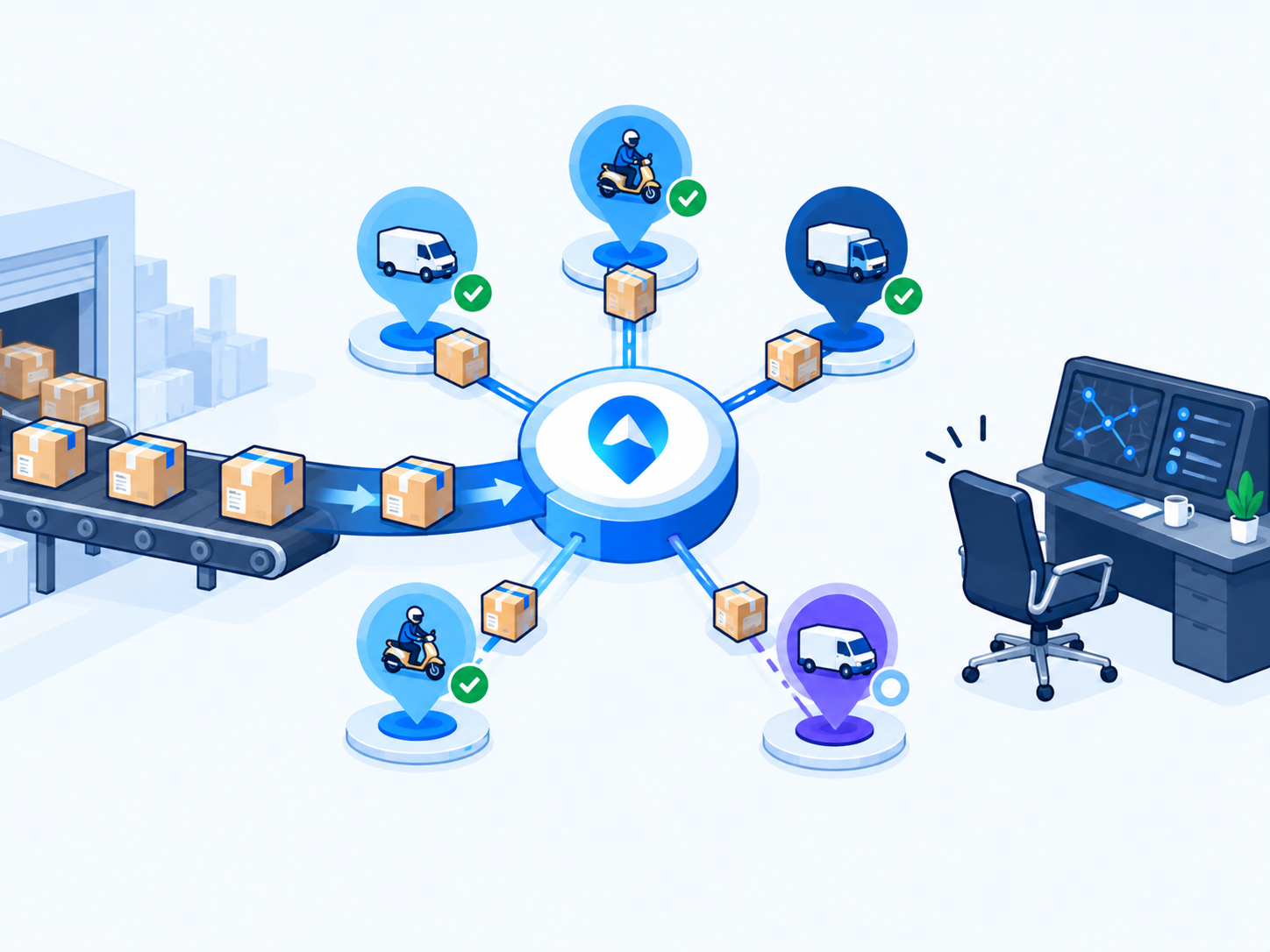
Planning Profiles govern batch route construction. Auto Allocation governs live assignment of individual orders to Captains. They share the same rule source. When an express order arrives after the morning wave has left, Auto Allocation resolves the same profile the planner would have used, so it only considers Captains with the required vehicle and skills, respects the same window strictness, and honours the same priority weighting. This is what keeps a live-assigned order from being handed to a Captain who cannot legally or physically fulfil it.
If you are moving from static daily routes to a mix of planned waves and live dispatch, the profile is the object that keeps both modes consistent. The 30-day transition plan linked below walks through that migration in detail, and the companion post on auto allocation explains the live side.
Rolling Out Profiles Without Breaking Live Dispatch
- Export a week of actual stop dwell times and route durations per hub and order type. This is your evidence for what each profile should contain.
- Create one profile that matches your current global settings and attach it to every hub. Nothing changes yet, but every route is now tagged with a profile.
- Clone it for the single case that hurts most, adjust only the parameters your data supports, and attach it to that hub, day, or order type.
- Run for one week. Compare planned versus actual duration, stops per route, and on-time rate for routes under the new profile.
- Add further profiles only where the numbers show a real difference. Retire any profile that produces the same plan as its parent.
- Document precedence in plain language somewhere your dispatchers will read it.
Profiles are not a one-time setup. Review them quarterly, or whenever a hub changes its product mix, a Shipper changes its contract, or a new vehicle class joins the fleet. The cost of a stale profile is the same as the cost of no profile: routes that do not match how the day actually runs.
Related reading
Frequently asked questions
What is a planning profile in delivery software?
A planning profile is a named set of delivery planning rules, such as service time per stop, vehicle capacity, maximum stops, time-window strictness, batching, priority weighting, and order cutoffs, that a route planner uses to build routes. Operators create several profiles and attach each one to the hubs, days, order types, or clients it should govern.
Can I run different dispatch rules for different hubs?
Yes. In Geofleet, each hub can have its own default planning profile. A hub with dense residential drops can run short service times and high stop counts while a B2B hub runs long dock times and appointment windows, and Smart Planner applies the right rules to each without manual re-planning.
What happens when an order matches more than one profile?
Profiles resolve by precedence. A common configuration lets the most specific scope win, so a Shipper or order-type profile overrides a day-of-week profile, which overrides the hub default. Keep the number of overriding layers small so the effective rules stay easy to explain.
Do planning profiles affect auto allocation as well as route planning?
Yes. Auto Allocation resolves the same profile the planner would use for an order, so live assignments respect the same vehicle and skill requirements, window strictness, and priority weighting as batch-planned routes. This keeps planned and live dispatch consistent.
How many planning profiles should an operation have?
Start with one that mirrors your current settings, then add a second for the case that causes the most manual rework, typically a weekend or a specialty order type. Most multi-hub operators settle at three to six profiles. More than that usually means some profiles are duplicates and should be merged.
How do I know what service time to put in a profile?
Use your own data. Export actual dwell time per stop from proof-of-delivery timestamps for each hub and order type over at least a week, take the median rather than the average so outliers do not skew it, and set the profile service time from that. Revisit it quarterly.