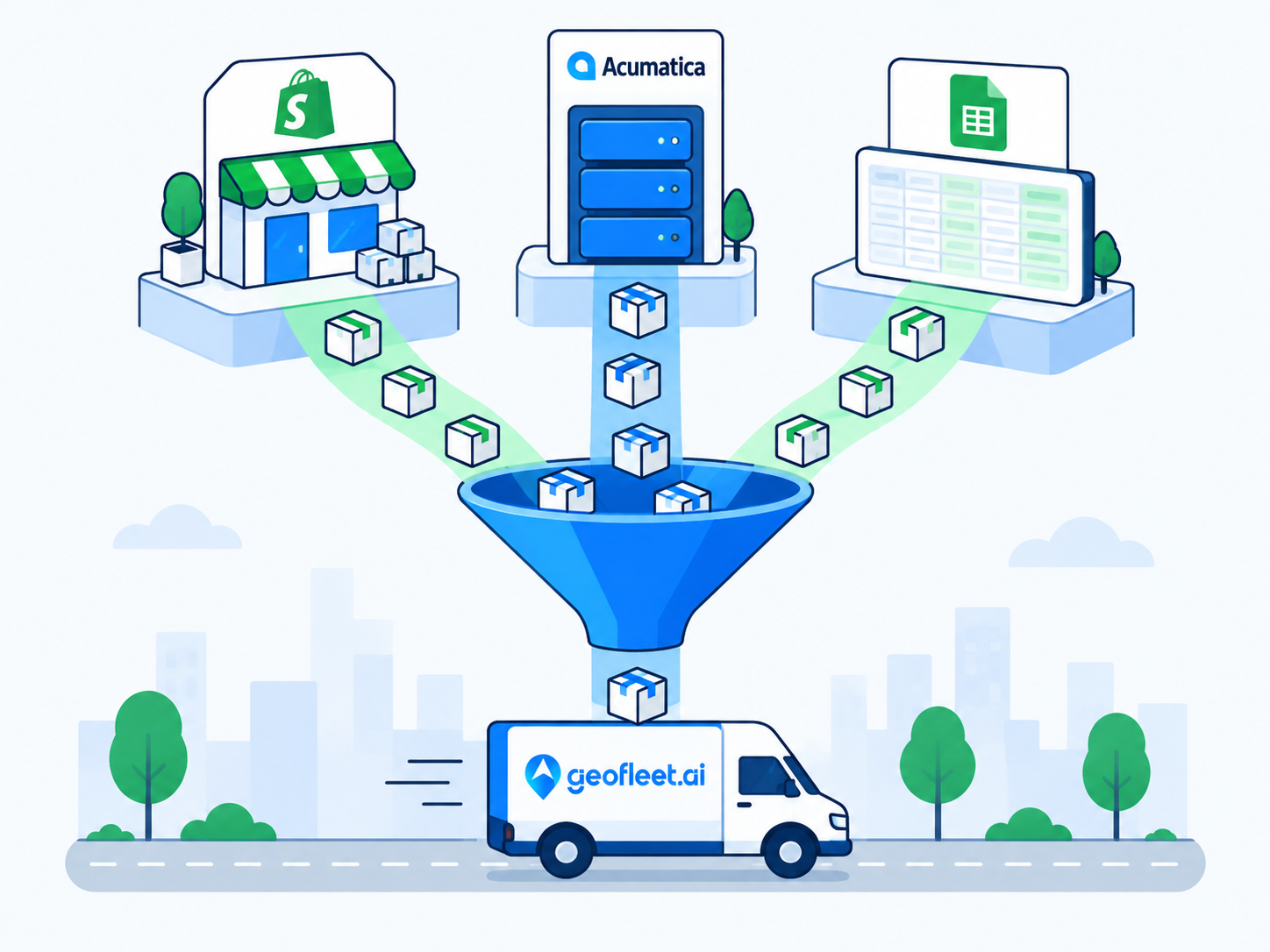
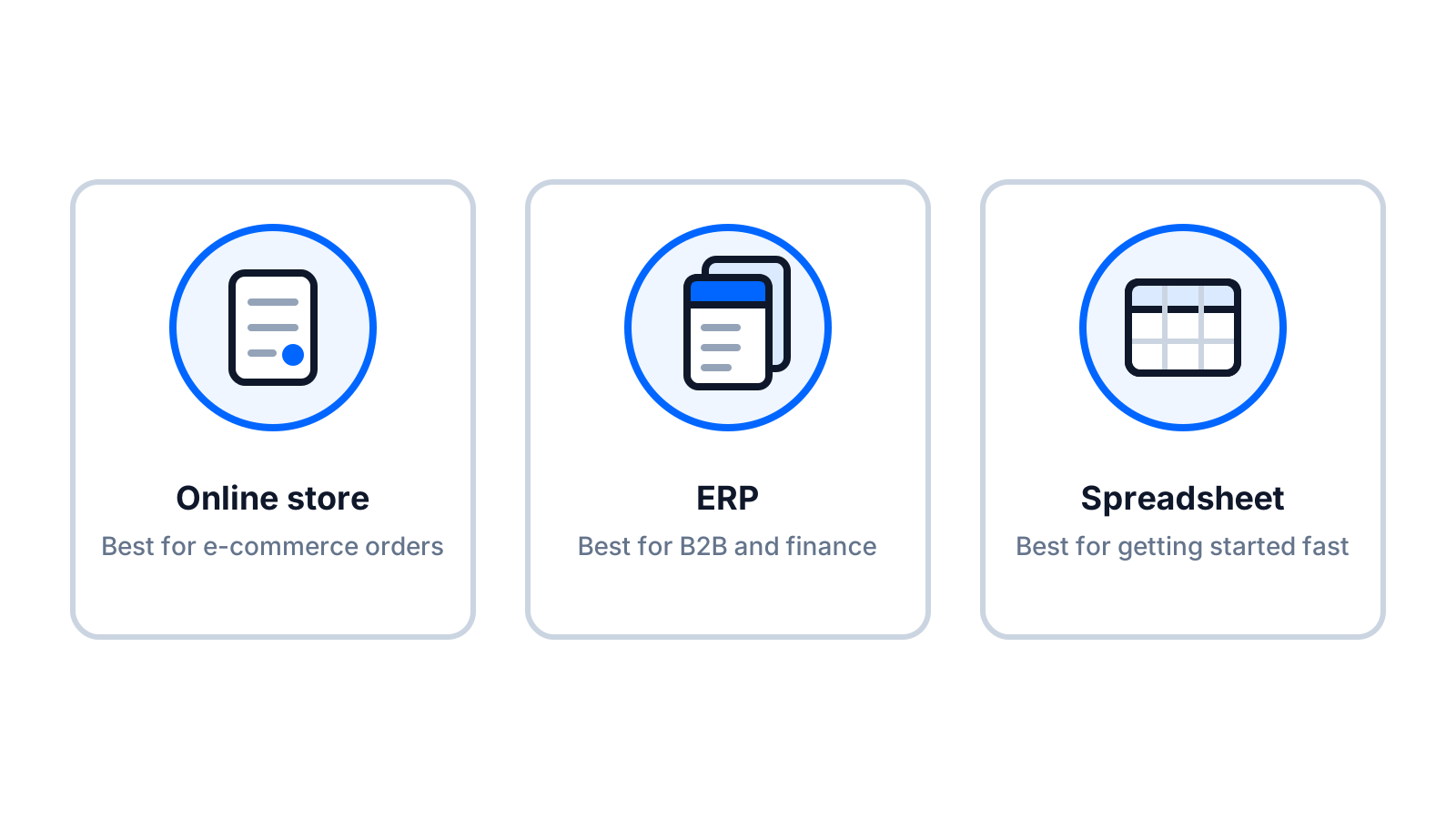
Choosing an order management integration for delivery is less about which system is best and more about which system already holds the truth about your orders. A D2C brand's truth lives in Shopify. A distributor's truth lives in the ERP, often Acumatica. A courier taking phone orders has its truth in a Google Sheet. Each can be connected to Geofleet as an order source, and each carries different expectations about volume, ownership, and what needs to flow back.
This post is for the mid-funnel reader: you know you need dispatch software connected to your orders, and you are deciding what to connect. It compares the three sources side by side, gives a decision framework, and covers the case, more common than you might think, where the right answer is two of them. The three detailed setup guides are linked throughout.
What an order management integration for delivery has to do
Before comparing sources, it helps to be precise about the job. Any order source connected to a delivery platform has to handle five things, and the sources differ in how well they handle each.
- Ingest: get new orders into dispatch with address, contact, window, contents, and payment state, without retyping.
- Update: propagate edits and cancellations so the Captain never delivers stale instructions.
- Write back: return status, timestamps, proof of delivery, and tracking links to the place people look.
- Identify: carry one stable reference (order number, shipment number, row ID) through the whole lifecycle.
- Scope: only send deliverable orders, from the right location, to the right hub.
Shopify and Acumatica have native connectors in Geofleet that handle all five with configuration. Google Sheets handles them too, with the understanding that update and identify depend on the discipline of the people editing the sheet.
The three order sources at a glance
| Criterion | Shopify | Acumatica (ERP) | Google Sheets |
|---|---|---|---|
| Best for | D2C e-commerce, local retail with online checkout | B2B distributors, manufacturers, contract logistics | Couriers, local services, ad-hoc and seasonal volume |
| Where the order is born | Customer checkout | Sales order entered by reps or EDI | Manual entry, forms, phone, email |
| Trigger into dispatch | Order created or paid webhook | Shipment reaches Open or Confirmed | New row with an Order ID |
| Typical volume fit | Tens to thousands per day | Tens to hundreds of shipments per day, higher value | Under roughly 100 per day |
| Edits and cancellations | Automatic via webhooks | Automatic via shipment changes | Manual; row edits are picked up, discipline required |
| Write-back | Fulfillment status, tracking URL in store emails | Delivered time, POD, quantities, distance, exceptions; invoice release | Status, Captain, ETA, tracking and POD links in the row |
| Finance loop | Payment already captured; COD reconciled in Geofleet | Invoice on delivery, partials, returns, freight recharge | Export or manual; COD reconciled in Geofleet |
| Data ownership | Shopify owns customer and order; Geofleet owns delivery | ERP is system of record for everything commercial | The sheet, and whoever edits it |
| Setup effort | Under a day | Days: process decisions plus configuration | Under an hour |
| Team size sweet spot | Small to large with online sales | Mid to large with a finance function | Small teams, one or two order entry people |
| Multi-location | Locations map to hubs | Warehouses map to hubs | Optional hub column |
| Main risk | Non-delivery orders leaking into dispatch | Handoff and partial-delivery rules undefined | Data quality and reused IDs |
What does not differ
Once an order is in Geofleet, the source is irrelevant to execution. Auto allocation, route planning, the driver app, live tracking, proof of delivery, and reports treat a Shopify order, an Acumatica shipment, and a sheet row identically. That is what makes it safe to start with one source and change later.
A decision framework
Work through the five questions in order. Most operations have a clear answer by the third.
1. Where is the order born?
This is the strongest signal. If customers place orders in a storefront, the storefront is the source. If reps enter sales orders in the ERP, the ERP is the source. If orders arrive by phone and someone types them, the sheet (or whatever the typist uses) is the source. Moving the birth of the order into a different system just to feed delivery creates double entry, which is the problem you were trying to remove.
2. What is the daily volume and how spiky is it?
Shopify and Acumatica handle volume without human effort scaling alongside it. A sheet scales with the number of people typing. Under roughly 100 orders a day with one or two entry people, a sheet is comfortable. Above that, or when volume spikes unpredictably, the source needs to be a system that captures orders without a person in the loop.
3. Who owns the data?
Ask where the master record for customers, prices, and stock lives, and who is accountable for it. If the answer is an ERP with a finance team behind it, that system must remain the system of record and the integration has to respect it: Geofleet executes and reports back, and does not become a second place where customer data is edited. If the answer is 'the sheet', ownership is looser, which is fine as long as everyone knows it.
4. What needs to flow back?
This is where the sources diverge most. A D2C brand needs the store to show delivered and the customer email to carry a tracking link; the Shopify connector does that. A distributor needs delivered timestamps, proof, and quantities on the shipment so invoicing can run; that is ERP-grade write-back and it is what the Acumatica connector is built for. A courier needs to see status and the POD link next to the order; the sheet write-back does that. If finance cannot close without delivery data, you need the ERP path.
5. How big is the team, and who will own the integration?
A one-person ops team should not be running an ERP integration project. A company with an Acumatica administrator and a controller should not be running invoicing from a sheet. Match the source to the people who will look after it. All three connectors are configured rather than coded, but the ERP path involves process decisions (handoff, partials, holds) that need an owner.
"We spent a month debating whether to put wholesale orders through the web store so everything would be in one place. In the end we connected the ERP for wholesale and left the store for retail. Both feed the same drivers. The debate was the expensive part."
— Logistics lead, specialty food distributor
Profiles: which source fits which business
D2C e-commerce and local retail
Orders come from a storefront, are prepaid or COD, and customers expect a tracking link in the store's own emails. Shopify is the source. Key setup decisions are the trigger (created or paid), scoping to local delivery shipping methods only, and mapping locations to hubs. The Shopify setup guide covers all three. Grocery, flowers, pharmacies, and meal delivery mostly land here.
B2B distributor or manufacturer
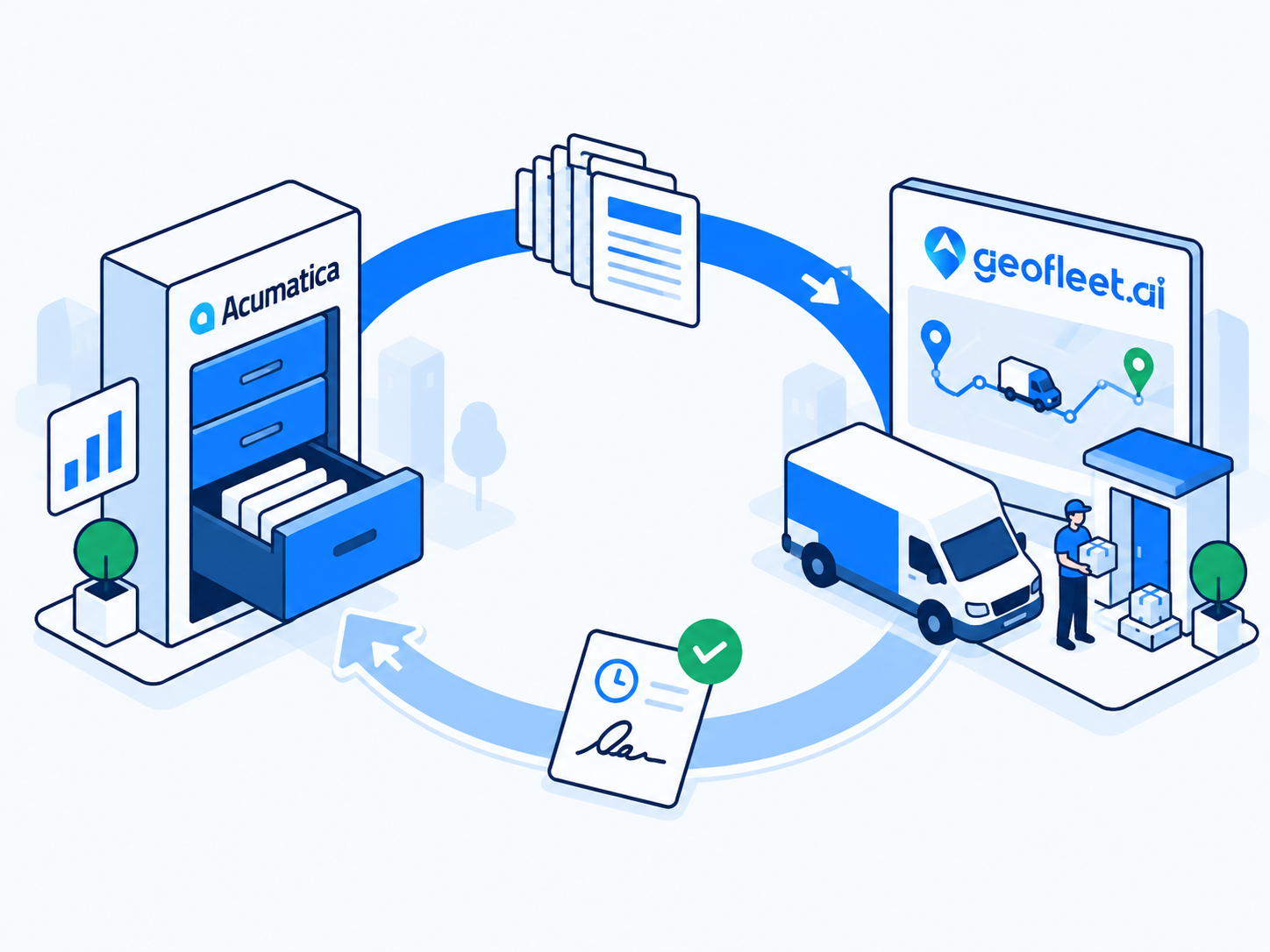
Orders are sales orders in the ERP, deliveries are shipments with line quantities, and finance invoices on delivery. Acumatica (or another ERP) is the source, and the write-back is the point. Key decisions are the shipment trigger, warehouse handoff, and the partial-delivery policy. The Acumatica guide goes through each. Building supplies, automotive parts, medical supplies, and manufacturing typically fit this profile.
Local courier or service business
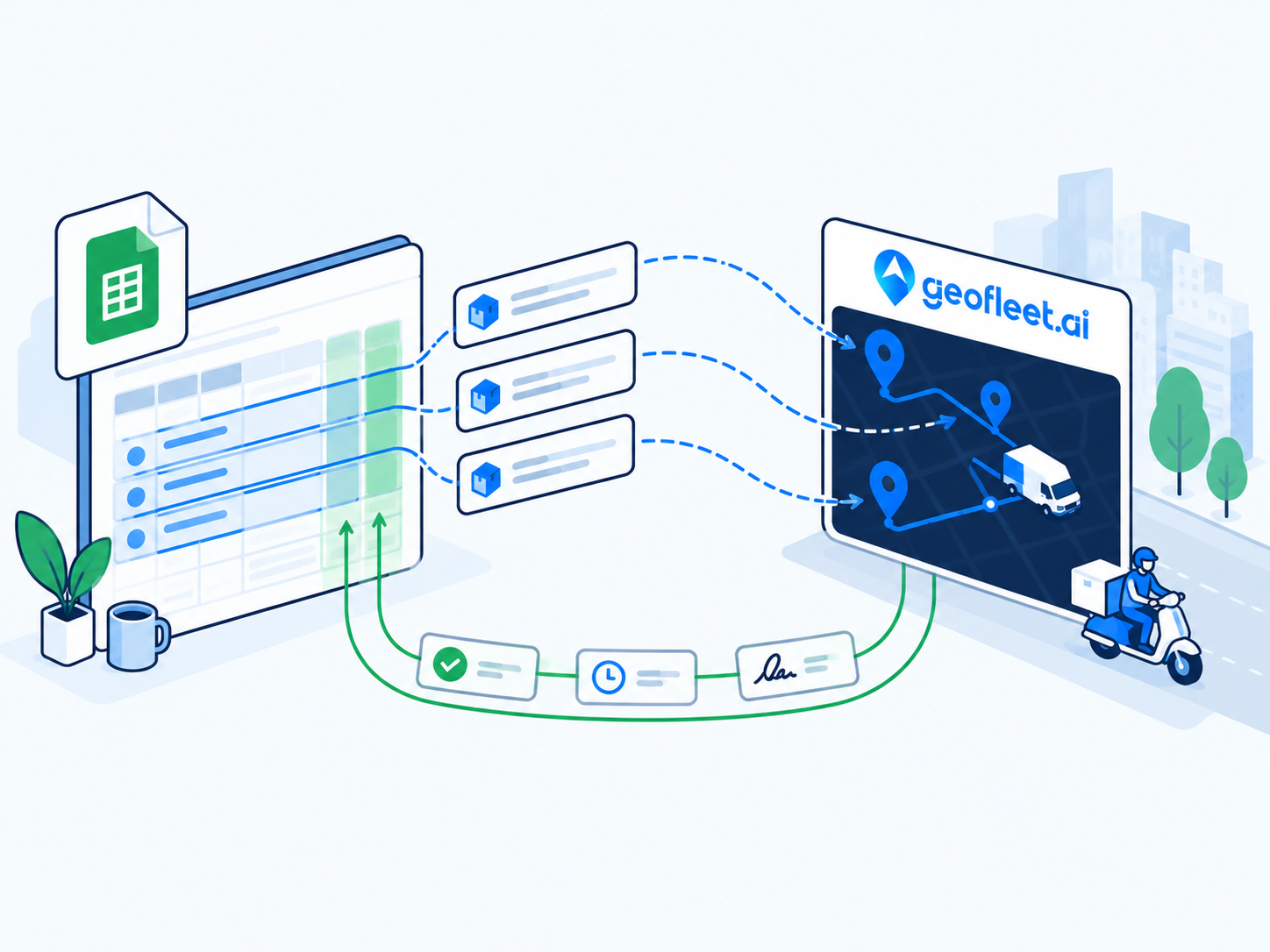
Orders arrive by phone, WhatsApp, email, or a form, and a dispatcher currently reads them off a list. A Google Sheet is the source, at least to start. Key decisions are the column template, protecting write-back columns, and the cutover point to something bigger. The Sheets guide covers the template and the data traps. Couriers, laundry, water delivery, and field service often start here.
You can run more than one
Because every source feeds the same dispatch pool, there is no technical reason to pick only one, and often a strong business reason not to. Orders from all connected sources are allocated together, so a Captain's route can include a Shopify order, an ERP shipment, and a sheet row back to back without anyone noticing the difference. Common combinations:
- Shopify for D2C retail plus Google Sheets for ad-hoc B2B or wholesale orders that come in by email.
- Acumatica for contract customers and scheduled shipments plus Sheets for samples, returns pickups, and internal transfers.
- Shopify for the online store plus Acumatica for the trade counter and wholesale side of the same business.
- Any of the above plus the batch API for a custom app or marketplace feed.
The practical rule is that each order must have exactly one source. Do not enter a Shopify order into the sheet as well, and do not create an ERP shipment for a store order 'so finance can see it'; use the write-back instead. If you need to ask questions across sources (which Shopify orders and which ERP shipments are running late for the same account?), the Geofleet MCP server lets an AI assistant query all of them together; the MCP query examples post shows what those questions look like in practice.
Start with the source that carries the most volume
Connect the source responsible for the majority of daily orders first, run it for two weeks, then add the second. Two integrations going live on the same day doubles the number of things to debug in week one.
What to check before committing
- Can you list, for one typical order, every field the Captain and the customer need, and confirm the source carries it? Missing delivery windows and unit numbers are the usual gaps.
- Who fixes a bad address, and where? The answer should be a person and a screen, whether that is the Shopify order, the Acumatica shipment, or the sheet row.
- What must be true in the source system when the delivery is done? Fulfilled, invoiced, or a green cell. That defines the write-back you need.
- What happens to an order that changes after dispatch? Test it deliberately during the pilot.
- Who owns the integration after go-live? Name them before, not after.
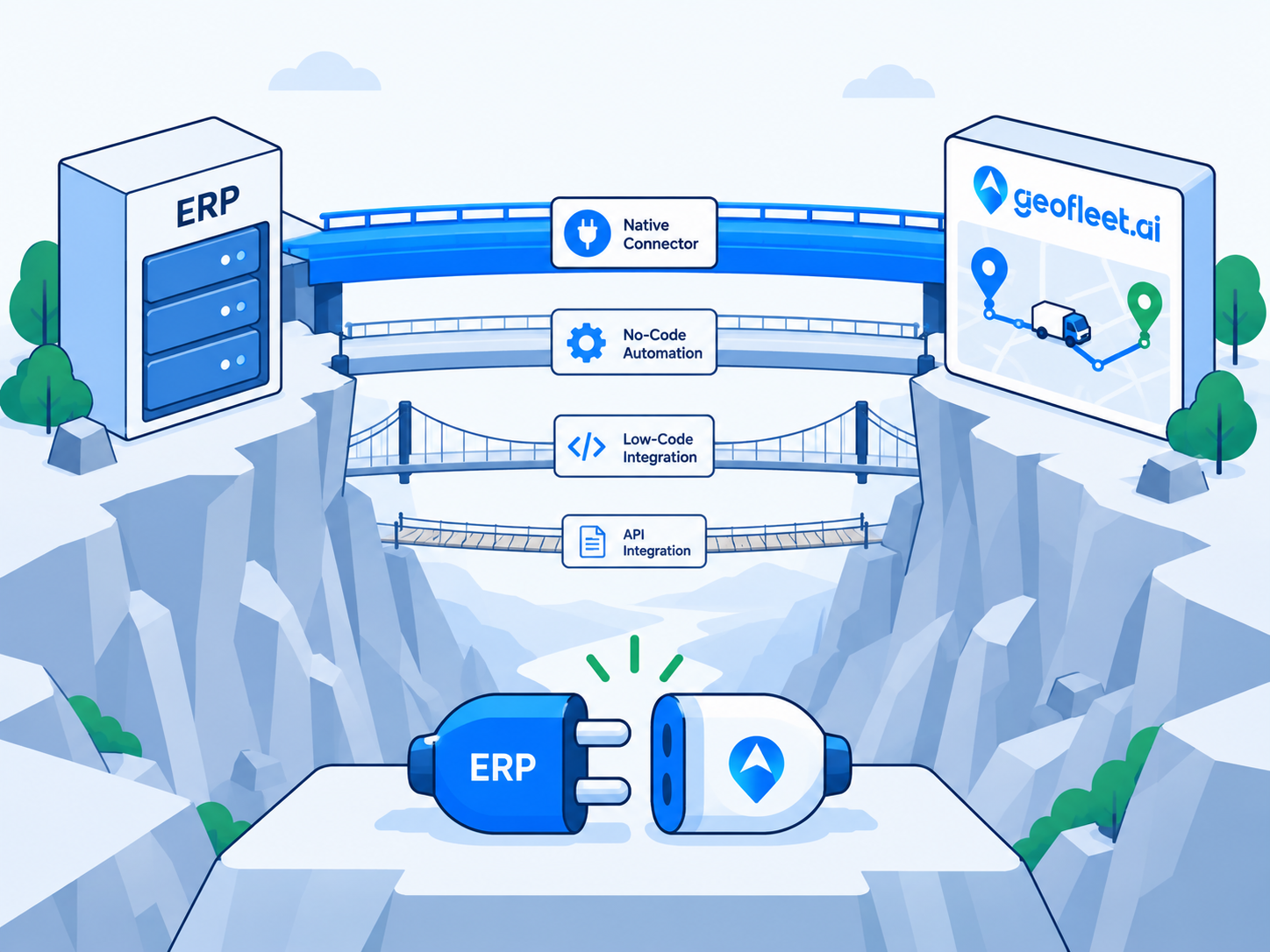
If you are still unsure after this, the tie-breaker is data ownership. Connect the system that finance and customer service would trust in a dispute, and let Geofleet report back to it. For the technical options behind each connector, including MCP, webhooks, and CSV fallbacks, see the guide on connecting an ERP without custom code.
Related reading
Frequently asked questions
Which order source is best for last-mile delivery?
The one where your orders are born. Storefront orders belong in Shopify, B2B sales orders in the ERP such as Acumatica, and phone or email orders in a Google Sheet. Forcing orders into a different system to feed delivery creates double entry.
Can I connect Shopify and Acumatica to Geofleet at the same time?
Yes. All connected sources feed the same dispatch pool, so a Captain's route can include Shopify orders and ERP shipments together. Each order should have exactly one source so it is not created twice.
Is Google Sheets a serious option or just a stopgap?
It is a serious option for ad-hoc, seasonal, or low-volume orders entered by one or two people, and many operations keep a sheet alongside an e-commerce or ERP connector permanently. It becomes a stopgap when volume, editors, or finance needs grow beyond what a sheet can carry.
How do the write-backs differ between the three sources?
Shopify receives fulfillment status and a tracking URL that appears in the store's customer emails. Acumatica receives delivered timestamps, proof of delivery, line quantities, distance, and exceptions, and can release the invoice. Google Sheets receives status, Captain, ETA, tracking and POD links in the row.
Does changing the order source later disrupt drivers?
No. Captains, routing, tracking, proof of delivery, and reports behave the same regardless of source. Swapping a sheet for a Shopify or ERP connector changes where orders come from, not how they are delivered.
What if my orders come from a custom app or marketplace?
Use the Geofleet webhooks and batch API alongside any of the native connectors. The comparison in this post still applies: the question is where the order is born and what has to flow back.