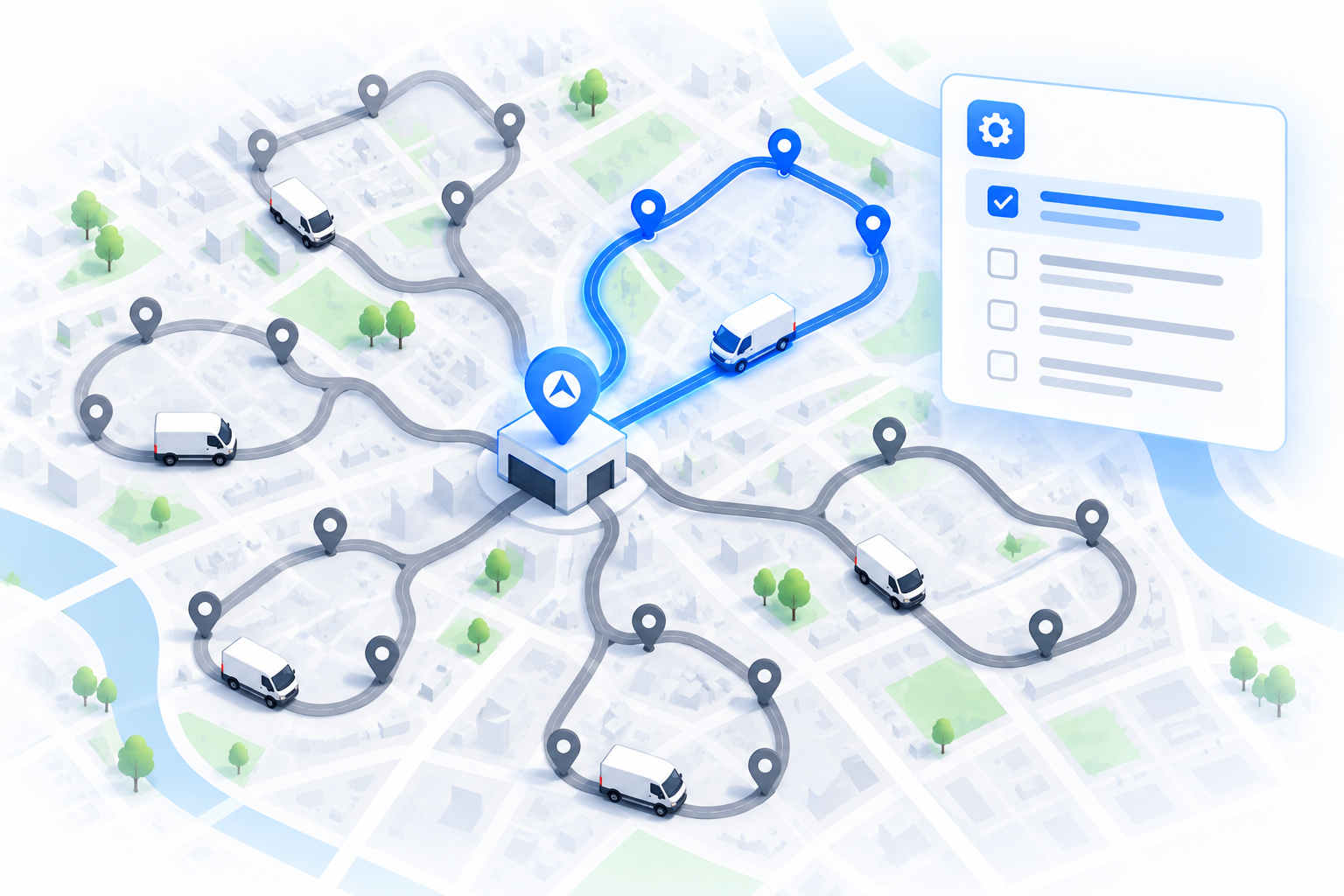
A dispatch console is not a back-office tool. Whoever is logged in can see every customer name, phone number and address on today's routes, watch Captains move across the map in real time, read cash-on-delivery amounts, and reassign or reroute orders with a click. That is why MFA fleet management software is no longer a nice-to-have: one reused password on a dispatcher account is enough to expose all of it.
This guide covers what makes dispatch logins a target, what multi-factor authentication actually does, how to pick a second factor, how MFA fits with roles, sessions and device trust, and how to roll it out in operations where several people share one tablet at the hub.
Why a dispatch console is a high-value target
What an attacker gets from a single dispatcher login
Think about what is on screen at 8am in any delivery operation. It is a compact, current, well-structured dataset that would take weeks to assemble any other way:
- Customer PII for every active order: names, phone numbers, addresses, delivery notes, gate codes and photos from previous proof-of-delivery captures.
- Live Captain locations, shift patterns, home hubs and which vehicles carry high-value or cold-chain goods.
- Cash-on-delivery amounts per stop and cash-in-hand per Captain, which is a map of where physical money is right now.
- The ability to reroute, cancel, reassign or mark orders delivered, which turns a data breach into a goods-theft or fraud problem.
- Developer settings: API keys, webhook secrets and integration credentials that connect to your OMS, ERP and payment stack.
How dispatch logins actually get compromised
The attacks that succeed against delivery operations are rarely sophisticated. Credential stuffing uses email and password pairs leaked from other sites, and dispatchers reuse passwords like everyone else. Phishing emails styled as "your route has been changed" or "new proof-of-delivery policy" collect passwords from busy hub staff. Shared logins written on a sticky note next to the hub PC leak to anyone who walks past. And accounts belonging to ex-employees linger for months after they leave.
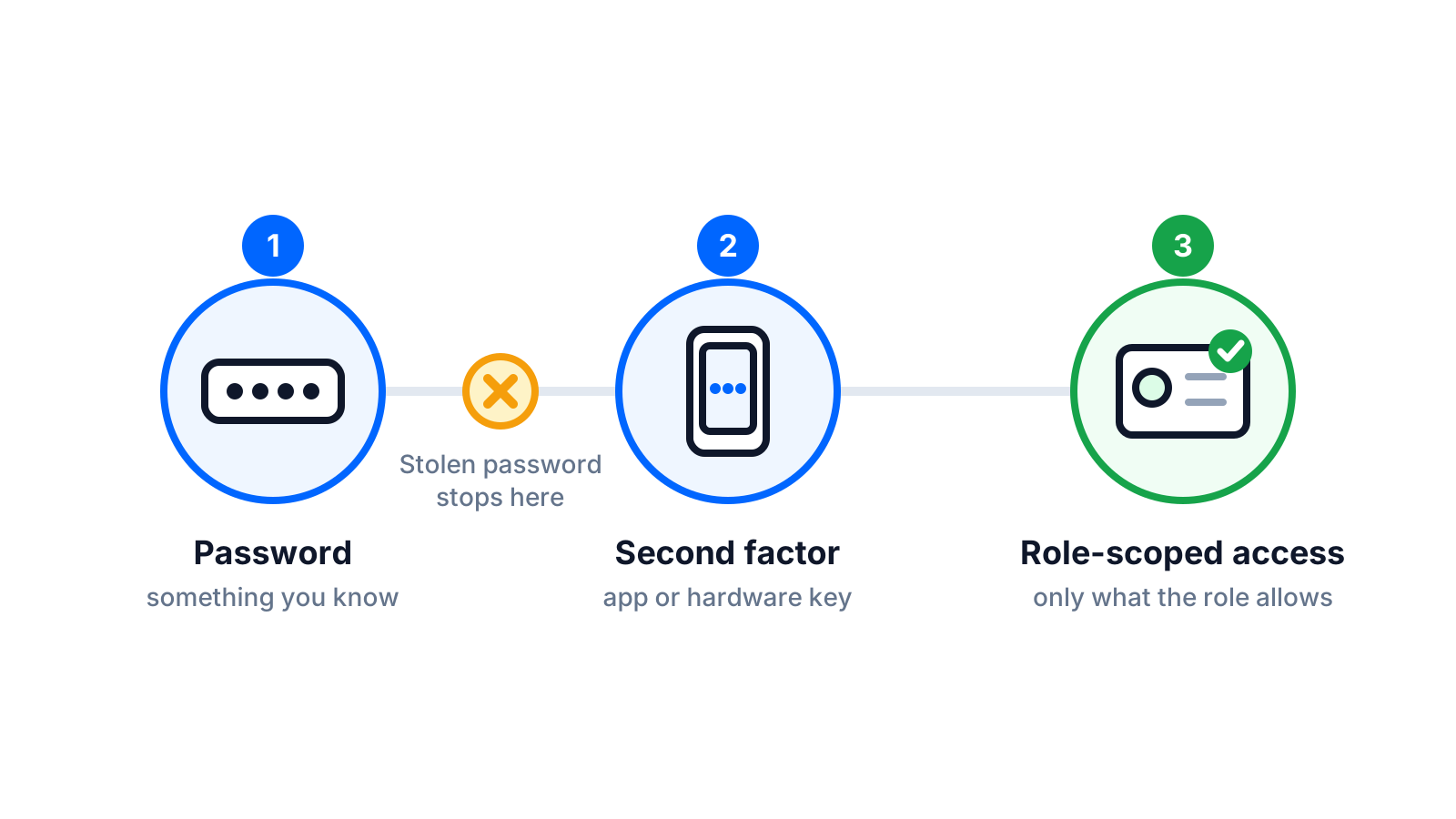
MFA blocks the first three outright: a stolen or phished password on its own no longer opens the console. It does not fix the fourth, which is why offboarding and role hygiene sit alongside MFA in any serious delivery software security plan.
Password reuse is the failure mode
You cannot stop dispatchers from reusing a password they also use for a shopping site that later gets breached. You can make that password useless on its own. That is the entire point of a second factor.
What MFA fleet management software should include
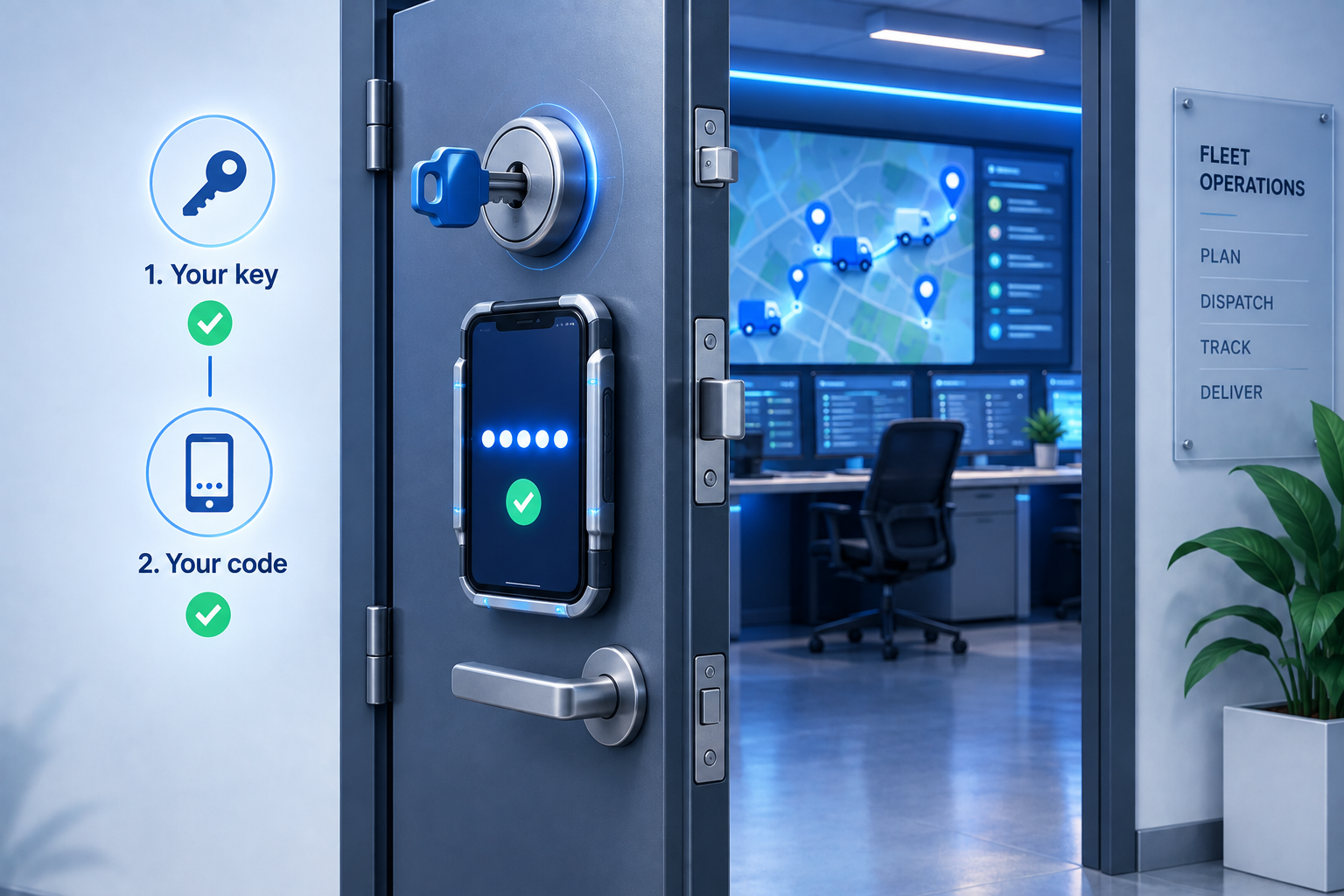
Multi-factor authentication requires two or more independent proofs of identity before granting access: something you know (a password), something you have (a phone, an app, a hardware key) and, less commonly, something you are (a fingerprint on the device). Two-factor authentication for dispatch software is the most common form, pairing a password with a one-time code.
It helps to be clear about what MFA does not do. It does not shrink what an over-permissioned account can see. It does not protect a session that is already open on an unlocked hub PC. It does not secure API keys or webhook secrets, which never go through a login screen. And it does not replace single sign-on, though the two pair well: SSO centralises who can log in, MFA proves it is really them.
- Enforcement at the tenant level, so an admin can require MFA for everyone or for specific roles rather than relying on individuals to opt in.
- Support for at least an authenticator app (TOTP), with SMS or email codes only as fallback options.
- Backup codes and an admin-driven reset path so a lost phone is a ten-minute problem, not a locked-out shift.
- Visibility in the audit log: who enrolled, who reset whom, and which logins were challenged.
- A separate, driver-appropriate enrolment flow for Captains on shared or rotating handsets.
Choosing a second factor: authenticator apps, SMS, email and hardware keys
Every factor type trades security against convenience and recoverability. The right mix depends on the role, the device and how much the person moves around during a shift.
| Factor | How it works | Strengths | Weaknesses | Best for |
|---|---|---|---|---|
| Authenticator app (TOTP) | A six-digit code rotates every 30 seconds, generated offline on the phone | Free, works without signal, not tied to a carrier, hard to intercept | Needs a smartphone; recovery required if the phone is lost or replaced | Dispatchers, hub managers, ops leads, admins |
| SMS code | A code is texted to the registered number | Zero setup, everyone understands it | SIM-swap fraud, delivery delays, fails in poor coverage, per-message cost | Fallback only, or low-risk viewer roles |
| Email code | A code is sent to the account inbox | No phone required | Email is usually the same credential being attacked; slow at shift start | Temporary fallback while a phone is replaced |
| Hardware key (FIDO2 / WebAuthn) | Tap a USB or NFC key at login | Strongest option, resistant to phishing and prompt fatigue | Cost per key, issuing and replacing keys, lost keys | Tenant owners, finance, IT administrators |
| Push approval | Approve a prompt in a companion app | Fast, no code to type | Users approve prompts they did not trigger ("prompt bombing") | Only with number matching or similar safeguards |
A practical recommendation by role
- Tenant owner, finance and IT admin: hardware key or authenticator app, MFA required on every login, short sessions.
- Dispatchers and hub managers: authenticator app, trusted device on the hub PC, re-authentication for sensitive actions.
- Viewers and customer-service staff: authenticator app or SMS fallback, MFA required on new devices.
- Captains: MFA at device enrolment and first login on a new handset, then device-bound sessions with remote sign-out.
MFA is one layer: roles, sessions and device trust
Role-based access limits the blast radius
MFA answers "is this really the dispatcher?" It does not answer "should the dispatcher be able to export the full customer list?" Pair MFA with least-privilege roles: viewer, dispatcher, hub manager, finance and admin, each with only the permissions the job needs. Enforce MFA for admin and finance roles first, because those are the accounts that can change payout configuration, rotate API keys or delete data.
Session policies decide how long a login is worth
A login that never expires is a password that never expires. Set a maximum session length that matches a shift, an idle timeout that closes forgotten tabs, and step-up authentication for sensitive actions such as exporting customer data, changing Captain payout rules, editing integrations or revoking another user's access. Limit concurrent sessions per user and give admins a "sign out everywhere" button for the day someone loses a laptop.
Device trust keeps the hub convenient and the laptop strict
"Remember this device for 30 days" is a reasonable trade for a hub PC that lives inside a locked office and is used by named staff. It is a poor trade for a personal laptop that also handles email and travels home on the bus. Treat managed hub devices and personal devices differently, and if your hubs have fixed internet connections, consider allowlisting their IP ranges for the most privileged roles.
Step-up, not lock-down
Rather than challenging dispatchers every 20 minutes, challenge them once at login and again only when they do something a thief would want to do. Exports, payout changes and integration edits are the natural step-up points in delivery software.
How MFA works in Geofleet
Geofleet supports multi-factor authentication for user accounts. Users enrol a second factor on their own account, and workspace administrators can enforce MFA across the tenant or for administrator roles so that the accounts with the most reach are always protected. MFA sits alongside role-based permissions, audit logging and session controls rather than replacing them, and it is a good moment to review who holds admin rights in the first place.
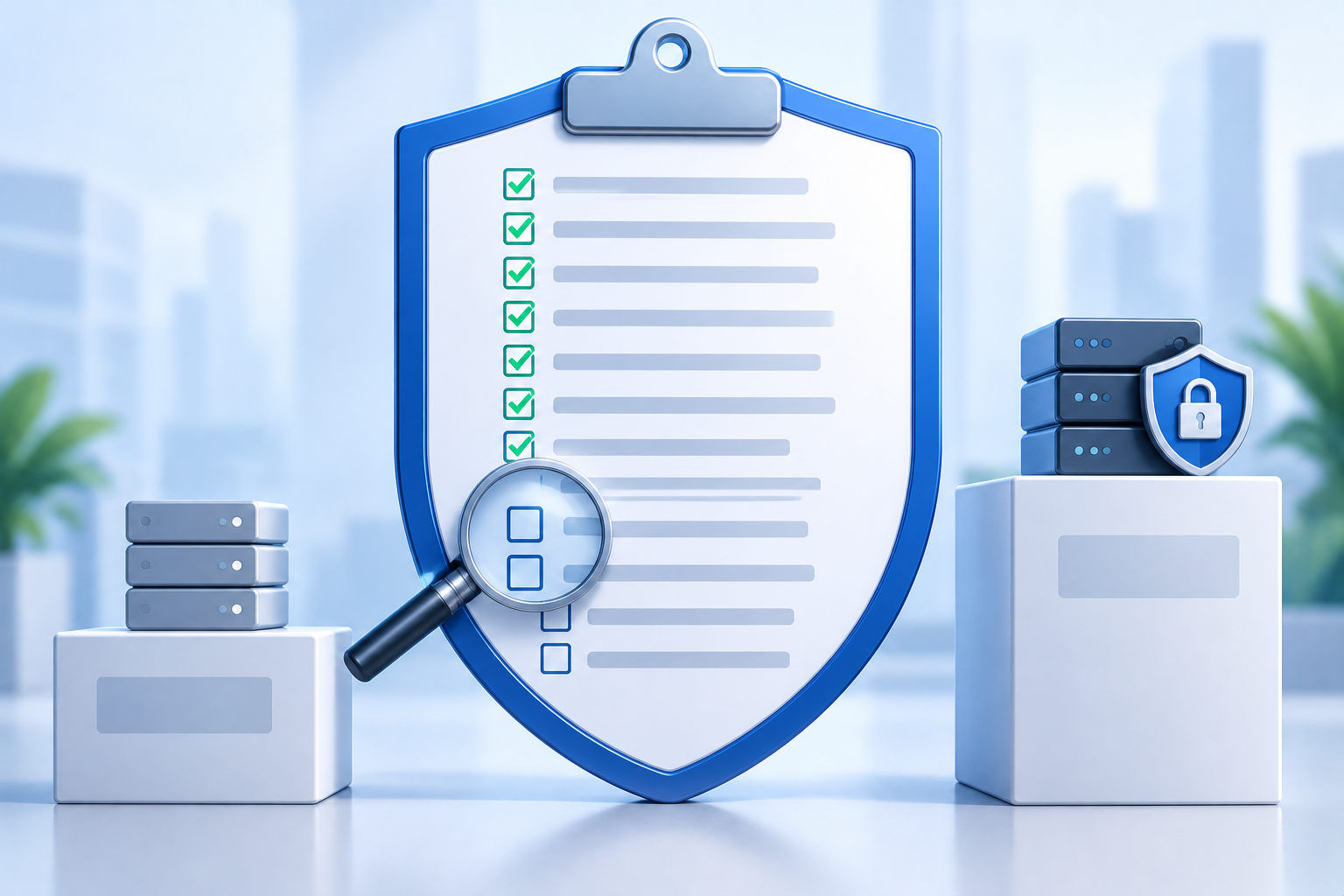
The same principle extends to the rest of the security surface. API keys and webhook secrets are managed under Developer settings and should be rotated on a schedule; AI features can run on your own model provider account through bring-your-own-LLM so prompts and delivery data stay with you. If you are evaluating vendors, the 12 questions in our delivery software security checklist put MFA in context with the rest.
Rolling MFA out to dispatchers and Captains who share devices
Dispatchers and hub staff
Start by killing shared logins. If three people sign in as "hub1", MFA cannot work and neither can your audit log. Give every dispatcher a named account, run a ten-minute enrolment session per hub, and mark the hub PC as a trusted device so the daily experience barely changes. Print backup codes for each account and keep them sealed in the hub safe or in the company password manager, never on the monitor.
Captains on shared or rotating handsets
Drivers are different. A Captain may pick up whichever handset is charged, log in for a shift and hand it back at night. Asking for a code at every login on a shared device is friction that leads to workarounds. The better pattern is to require MFA when a Captain enrols and whenever they sign in on a device the system has not seen before, then keep the session bound to that device for the shift. When a Captain leaves, the hub manager revokes the device and signs them out remotely; no phone call to the driver needed.
"We had one dispatcher login on a sticky note for three years. Moving to named accounts with an authenticator app took an afternoon per hub, and the first thing we noticed was that our audit log finally meant something."
— Operations manager, regional courier network
Handle the failure modes before they happen
Every MFA rollout meets the same Monday: a dispatcher with a new phone, a Captain with a new SIM, an admin on leave. Decide the recovery path in advance. Backup codes cover the phone case, an on-call admin covers the reset case, and a documented re-enrolment step covers the new device case. The one thing you should never do is disable MFA for a role because it was inconvenient once; that is how the exception becomes the policy.
MFA adoption checklist for delivery operations
- Inventory every account in the dispatch platform and delete or disable anything not tied to a current, named person.
- Map roles to least-privilege permissions; confirm who holds admin and finance rights and why.
- Choose factors by role: hardware keys or authenticator apps for admins, authenticator apps for dispatchers, device-bound enrolment for Captains.
- Enforce MFA for admin and finance roles this week; schedule dispatchers by hub over the following two.
- Generate backup codes and store them in the password manager or hub safe; document the on-call reset path.
- Set session length, idle timeout and step-up points for exports, payout changes and integration edits.
- Mark hub PCs as trusted devices; keep personal laptops on full challenge.
- Rotate API keys and webhook secrets so that credentials outside the login flow are also fresh.
- Review the audit log after 30 days: failed challenges, resets and new-device logins tell you where the rough edges are.
- Add MFA enrolment to onboarding and MFA revocation to offboarding so the policy survives staff turnover.
Time to roll out
Illustrative: a 40-dispatcher operation across four hubs typically enrols everyone in a week when MFA is enforced role by role rather than all at once.
Related reading
Frequently asked questions
What is MFA in fleet management software?
Multi-factor authentication requires a second proof of identity, such as a code from an authenticator app or a hardware key, in addition to a password before a user can open the dispatch console or driver app. It stops a stolen or reused password from being enough to log in.
Is SMS-based two-factor authentication good enough for dispatch software?
It is far better than a password alone, but it is the weakest common factor: codes can be intercepted through SIM-swap fraud, delayed by carriers, or fail in poor coverage. Use authenticator apps or hardware keys for admins and dispatchers and keep SMS as a fallback.
How do you enforce MFA for drivers who share devices?
Require MFA when a Captain enrols and whenever they sign in on a handset the system has not seen before, then bind the session to that device for the shift. Give hub managers the ability to revoke devices and sign users out remotely so a departing driver does not need to be chased for a phone.
Does MFA slow down dispatchers at the start of a shift?
Not if it is set up well. Marking the hub PC as a trusted device means dispatchers are challenged once and then only for sensitive actions such as exports or payout changes. The enrolment itself takes a few minutes per person.
What happens when a dispatcher loses their phone?
They use a backup code to log in, or an administrator resets their MFA enrolment after verifying their identity. Both paths should be documented before MFA is enforced so a lost phone never becomes a locked-out shift.
Does Geofleet support multi-factor authentication?
Yes. Users can enrol a second factor on their account and administrators can enforce MFA for the tenant or for administrator roles. It works alongside role-based permissions, session controls and audit logging.