Most logistics platform deployments take longer than they should—not because the software is hard to learn, but because the setup sequence is wrong. Teams configure integrations before master data is clean, create user accounts before roles are defined, and declare go-live before anyone has dispatched a real order. AI-assisted onboarding does not fix those problems automatically. But it can surface them earlier, guide teams through the right order of operations, and reduce the time lost to back-and-forth with support.
Defining go-live before you start
The most useful thing an onboarding process can do is define what “go live” actually means before anyone touches the platform. Without a shared definition, teams declare success at different points—sometimes at first login, sometimes at first route, sometimes weeks after the first delivery. That ambiguity is where most onboarding timelines quietly slip.
- Drivers onboarded, trained, and completing orders in the driver app.
- Vehicles and capacity correctly assigned to hubs and route types.
- Order sources—OMS, ERP, or manual—connected and verified with live data.
- SLA rules, time windows, and exception workflows configured correctly.
- At least one complete test run: order in, dispatched, delivered, closed.
Each of those conditions is verifiable. Treating them as the go-live checklist—not a post-launch aspiration—changes the entire shape of the implementation project.
Rework is the hidden cost
A structured sequence with clean master data can cut implementation time roughly in half — not by working faster, but by avoiding the reconfiguration that follows when integrations are built on incomplete data.
The setup sequence that actually works
The most common onboarding failure is configuring in the wrong order. Integrations built on top of incomplete master data produce inconsistent records. Workflows configured before roles are defined get rebuilt when permissions change. The sequence that avoids most rework is consistent across platform types.
- Reference data first: zones, hubs, service areas, time windows, vehicle types, and capacity rules.
- People and roles: user accounts, role-based permissions, and access control before any workflow is built.
- Integrations: OMS, ERP, or order sources connected and tested with real orders before going to the next step.
- Operational workflows: exception handling, escalation rules, and customer communication configured last—on top of clean data.
Skipping steps two and three to get to four faster is the most reliable way to extend the onboarding timeline by weeks.
Where AI accelerates onboarding
Guided data entry and validation
The most time-consuming part of onboarding master data is not entering it—it is finding and fixing errors after the fact. AI validation that checks zone boundaries, flags duplicate vehicle records, and identifies missing SLA rules at entry time catches problems that would otherwise surface during the first live dispatch run, when fixing them is expensive.
In-context documentation
Help articles linked directly to the screen where the relevant task happens are more effective than a documentation portal that requires context-switching to use. AI-assisted onboarding that surfaces the right article or tooltip at the right moment—based on what the user is currently configuring—reduces support tickets and keeps setup momentum going.
Next-step suggestions during setup
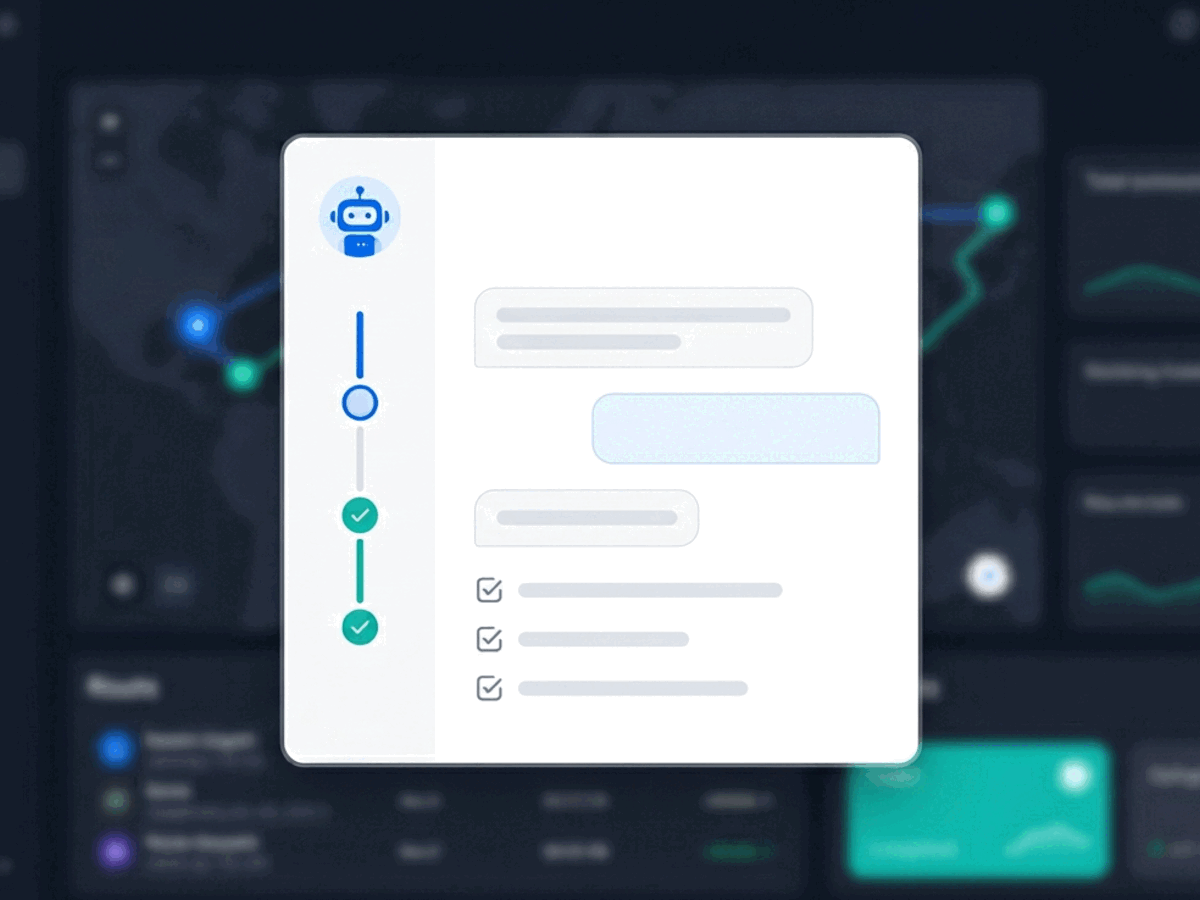
Teams setting up a logistics platform for the first time often do not know what they are missing. An AI layer that detects an incomplete configuration state—no time windows defined, no exception codes set, no test order run—and surfaces it as a prompt before go-live catches the gaps that would otherwise become day-one incidents.
"The value of AI in onboarding is not that it makes the platform easier to use. It is that it makes the things you forgot to do visible before they become operational problems."
Where AI should not replace humans in onboarding
- Legal and compliance sign-off on data handling or regulatory requirements.
- Data governance decisions about what systems are source-of-truth for which records.
- Business-critical policy decisions—SLA commitments, pricing rules, escalation thresholds.
- Final approval on integration go-live where a failure affects live orders.
These decisions require judgment, accountability, and organisational context that an AI assistant cannot provide. Routing them through AI creates ambiguity about who is responsible when something goes wrong.
| Task | AI role | Human role | Risk if skipped |
|---|---|---|---|
| Master data entry | Validate, flag duplicates | Confirm source of truth | Optimisation breaks on day one |
| Integration connection | Surface config gaps | Approve go-live | Duplicate or lost orders |
| SLA and policy rules | Detect missing rules | Set commitments | Unenforced service promises |
| Compliance sign-off | None | Own fully | Regulatory exposure |
| First test dispatch | Prompt before go-live | Run and verify | Hidden day-one incidents |
Measuring onboarding quality
Two metrics tell you more about onboarding quality than any checklist completion rate. Time-to-first-route—the number of days from platform access to the first successfully dispatched and completed order—measures how quickly the team reached a state where the platform is doing real work. Time-to-first-exception-resolution measures whether the workflows built during onboarding actually hold up under live operational conditions.
- Time to first successfully dispatched and completed route.
- Time to resolve the first live exception using platform workflows.
- Support ticket volume in the first 30 days—high volume signals onboarding gaps.
- Integration rollback rate—how often the first integration had to be reconfigured.
A structured onboarding with clear go-live criteria, the right setup sequence, and AI-assisted validation can reliably cut implementation timelines in half—not by moving faster, but by avoiding the rework that slows most deployments down.
Related reading
Frequently asked questions
How long should a logistics platform onboarding take?
A structured onboarding with clean data and a defined go-live checklist should take weeks, not months. The most common cause of extended timelines is configuring integrations or workflows before master data is complete.
What is the most important thing to configure first?
Reference data—zones, hubs, time windows, vehicle types, and capacity rules. Everything else (integrations, workflows, user access) depends on this layer being correct. Configuring in any other order creates rework.
What does AI actually do during onboarding?
It validates data at entry, surfaces documentation in context, and flags incomplete configuration states before go-live. It does not make policy decisions, approve integrations, or replace the human judgment required for compliance and data governance.
How do you measure whether onboarding was successful?
Time-to-first-route and time-to-first-exception-resolution are the most direct measures. Support ticket volume in the first 30 days and integration rollback rate are leading indicators of gaps that onboarding did not catch.
How does Geofleet support fast onboarding?
Geofleet Command Centre is designed around the same setup sequence described here—reference data, roles, integrations, workflows. The platform includes in-context guidance and validation to reduce the configuration errors that extend most onboarding timelines.